Migrate from Unleash to Rollgate: Drop the Ops Bill
The Hidden Bill of Self-Hosting Unleash
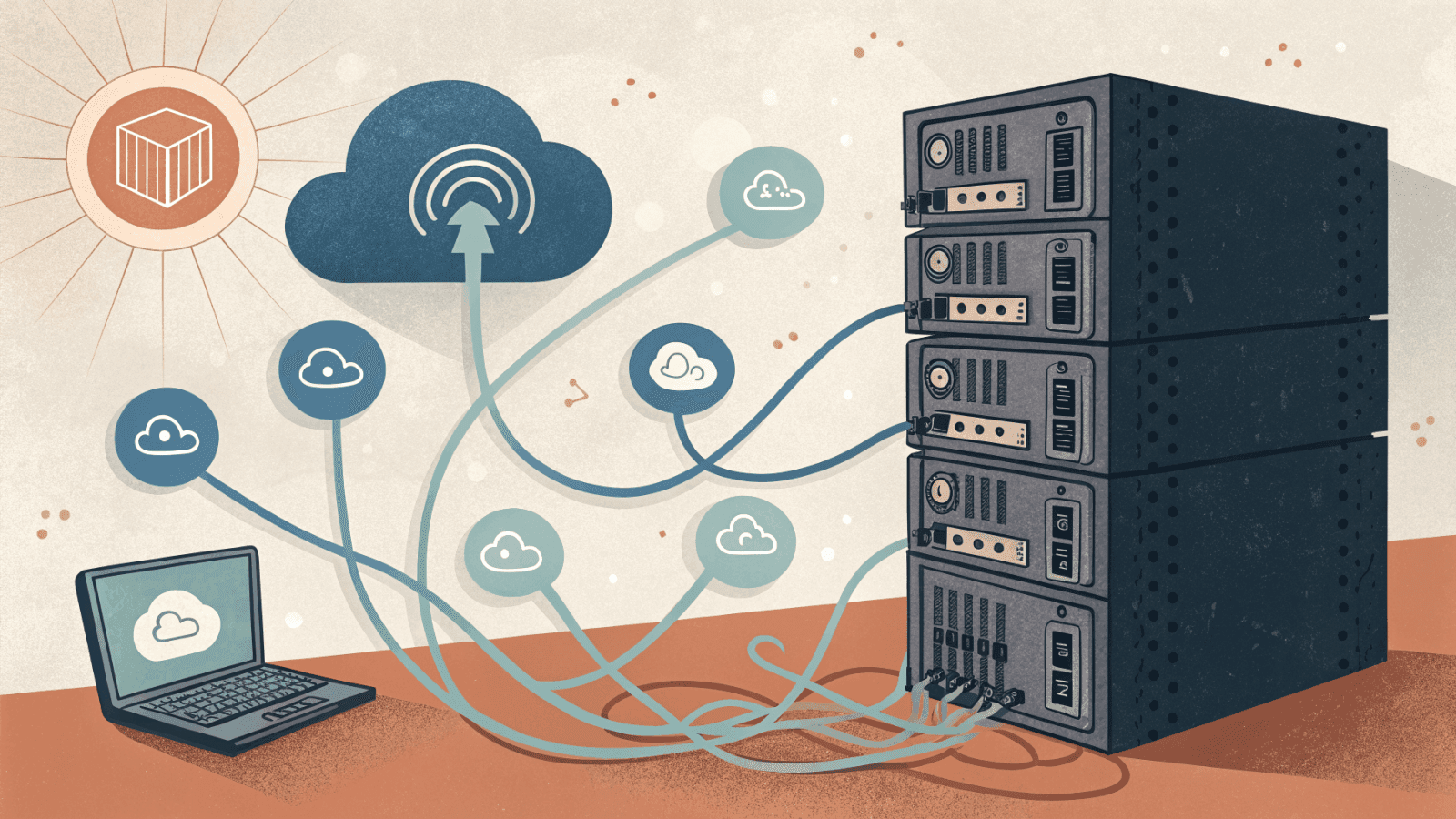
Unleash is good software. The reason teams start to migrate from Unleash is rarely the product, it is everything around it: a Postgres database you back up, an API server you patch, version upgrades you schedule, and a pager that goes off when the flag service is the thing standing between a deploy and production.
Self-hosting made sense on day one because it was free and you control it. A year in, "free" has a salary attached to it. If you are weighing an Unleash alternative that keeps the developer experience but removes the operational tax, a managed service is the obvious move. The rest of this post is the actual path: what the self-hosted bill looks like, what changes in your code, and how every Unleash concept maps over.
What Self-Hosting Unleash Actually Costs
The license is zero. The operations are not. A production Unleash deployment is at minimum three moving parts:
- An Unleash server (the API and admin UI) that you keep patched and available.
- A Postgres database that holds flags, strategies, and audit history, with backups and a restore plan you have actually tested.
- Often an Unleash Edge or Proxy layer in front, so client-side and high-traffic SDKs do not hammer the main API.
On top of the boxes themselves sits the work nobody schedules. Unleash ships regular releases, so there is a steady upgrade treadmill: read the changelog, test the new version against your strategies, and roll it out without dropping flag evaluation in production. Security patches on the Node runtime and the base image arrive on their own timeline, not yours. When a launch spikes evaluation traffic, someone sizes the Edge tier and the database connection pool. And all of it sits under an on-call rotation, because a flag service that goes down can freeze deploys across every team that depends on it.
None of that ships a feature. It is pure carrying cost, and for a small team it lands on the same one or two people who are already shipping the product. That is the real number behind the word "free".
This is the gap the original feature flags pricing comparison does not capture, because it only counts invoices. The self-hosted column looks like 0 dollars until you price an engineer's weekend.
What Changes When You Migrate from Unleash
The mental model barely moves. A flag is still a flag, environments are still environments, and a gradual rollout is still a percentage. What changes is who runs the control plane. You stop operating a database and an API, and you point your SDKs at a hosted endpoint instead.
For EU teams there is a second reason this is attractive. A common motivation for self-hosting in the first place is data residency: keeping flag data and evaluation traffic inside Europe. Rollgate is EU-hosted, so you keep the residency guarantee without keeping the servers. You get the compliance posture that pushed you toward self-hosting, minus the on-call.
Export Your Unleash Configuration First
Before you create anything in Rollgate, get your current state out of Unleash. Unleash can export its toggles, strategies, and environments to JSON through its admin export endpoint, or from the import/export screens in the admin UI (see the Unleash docs). That JSON becomes the source of truth for the migration. It lists every flag key, which environments each one lives in, and the rollout percentage attached to each strategy.
Keep the export in version control. It gives you a clean diff against whatever lands in Rollgate, and it is the exact file you hand to the MCP agent further down. This is also the moment to be ruthless about dead flags. If a toggle has been at 100 percent for eight months and nobody remembers it, drop it here instead of carrying it across. A migration is the cheapest flag cleanup you will ever do.
Migrating the SDK: Before and After
Here is a typical server-side setup with the Unleash Node client. You initialize against your own server, wait for the client to be ready, then check flags.
// Before: self-hosted Unleash
import { initialize } from 'unleash-client';

const unleash = initialize({
  url: 'https://unleash.your-company.internal/api/',
  appName: 'checkout-service',
  customHeaders: { Authorization: process.env.UNLEASH_API_TOKEN! },
});

unleash.on('ready', () => {
  if (unleash.isEnabled('new-checkout-flow')) {
    // new feature code
  }
});
The Rollgate equivalent with @rollgate/sdk-node drops the self-hosted URL and the ready-event dance. You initialize once, then evaluate synchronously.
// After: managed Rollgate
import { RollgateClient } from '@rollgate/sdk-node';

const client = new RollgateClient({
  apiKey: process.env.ROLLGATE_API_KEY!, // sb_server_...
});

await client.init();

if (client.isEnabled('new-checkout-flow', false)) {
  // new feature code
}
The flag key stays the same, so your call sites barely move. For typed config values that you might have packed into Unleash variants, Rollgate exposes getValue, getString, and getNumber directly:
const checkoutCopy = client.getString('checkout-headline', 'Buy now');
const rolloutPct = client.getNumber('beta-rollout', 0);
User targeting carries over through init(user) or identify, which take an id plus arbitrary attributes you can target rules against:
await client.identify({
  id: 'user-456',
  attributes: { country: 'IT', plan: 'premium' },
});
On the client side the change is bigger, in your favor. Unleash usually needs a Proxy or Edge tier in front of it so browsers never hold a server token. Rollgate uses a separate client key (sb_client_...) scoped for frontend use, so there is no proxy to run. The React setup is a provider plus a hook:
// React client, no proxy tier to operate
import { RollgateProvider, useFlag } from '@rollgate/sdk-react';

function App() {
  return (
    <RollgateProvider config={{ apiKey: 'sb_client_your_key' }}>
      <Checkout />
    </RollgateProvider>
  );
}

function Checkout() {
  const newFlow = useFlag('new-checkout-flow');
  return newFlow ? <NewCheckout /> : <LegacyCheckout />;
}
Mapping Unleash Concepts to Rollgate
Most of the migration is translation, not redesign. The table below lines up the pieces you already know.
| Unleash concept | Rollgate equivalent | Notes |
|---|---|---|
| Toggle | Flag | Same key, same boolean-or-value semantics |
| Activation strategy | Targeting rule | Conditions on user attributes instead of named strategies |
| Gradual rollout strategy | Percentage rollout | See the gradual rollouts guide for bucketing details |
| Environment | Environment | Per-environment values, same idea |
| Variant | Flag value (getString/getNumber/getValue) | Typed values without a separate variant object |
| API token | API key (sb_server_... / client key) | Server and client keys are separate scopes |
| Unleash Edge / Proxy | Built-in delivery | No separate edge tier to run |
If you are unsure what a given strategy maps to, the what are feature flags primer covers the underlying model that both tools share.
Migrate Your Flags with an MCP Agent
The tedious part of any migration is recreating flags one by one. If you have forty toggles across three environments, clicking through a UI is an afternoon you will not get back. Rollgate ships an MCP server, so you can hand that job to an AI agent instead.
rollgate-mcp exposes your flags as tools that an MCP-capable agent (Claude, Cursor, and similar) can call directly. You point the agent at your Unleash export and let it recreate the flags through the API. Configuration is a single block:
{
  "mcpServers": {
    "rollgate": {
      "command": "npx",
      "args": ["-y", "rollgate-mcp"],
      "env": {
        "ROLLGATE_API_KEY": "rgmcp_xxx...",
        "ROLLGATE_PROJECT_ID": "your-project-id",
        "ROLLGATE_ENV_ID": "your-env-id"
      }
    }
  }
}
The server gives the agent the tools the migration actually needs: list_feature_flags to see what already exists, detect_existing_flag so a re-run does not create duplicates, create_feature_flag for each toggle from your export, set_flag_rollout to replicate gradual rollout strategies, and toggle_flag_in_environment to match each environment's on/off state. A prompt as plain as "read this Unleash JSON export and recreate every toggle in Rollgate, skipping any that already exist" walks the whole list.
It is automation of the boring part, not magic. The agent does the repetitive calls and you verify the result in the dashboard. For a large flag set that is the difference between an afternoon and a coffee.
A Staged Migration, Not a Big Bang
Do not flip every service to Rollgate in one commit. Run both systems side by side for a short window and cut over one environment at a time. A safe sequence:
- Recreate the flags in Rollgate, by hand for a handful or through the MCP agent for many.
- Wire the Rollgate SDK into one non-critical service, reading the same flag keys, in staging only.
- Compare evaluations. For each flag, confirm Rollgate returns what Unleash returns for the same user. Percentage rollouts bucket users independently, so check that the rollout percentage matches, not that the exact same individuals are in or out.
- Promote environment by environment, starting with the least risky, and keep Unleash as the fallback until the last one is green.
- Decommission the Unleash server and its Postgres database only after the final cutover. Keep the JSON export as your record of what was there.
This keeps a rollback at every step. If a flag misbehaves, you point the service back at Unleash and lose nothing. The whole point of migrating off self-hosted infrastructure is to reduce risk, so the migration itself should not be the risky part.
Where Self-Hosted Unleash Still Wins
An honest comparison admits where the incumbent is the right call. Keep self-hosting Unleash if:
- You need a fully air-gapped or on-premise deployment with no outbound traffic at all.
- You have hard requirements that the data never leaves machines you physically control.
- You already have a platform team that runs stateful services well, and one more is marginal cost.
In those cases the ops bill is real but acceptable, and the control is the point. Rollgate is the better trade when running infrastructure is not your differentiator, when you want EU data residency without the servers, and when pricing that does not charge per seat matters more than owning the database.
FAQ
Can I keep my existing flag keys?
Yes. Keys are arbitrary strings in both tools, so you recreate the same keys in Rollgate and your call sites stay put. Only the client setup changes.
Does Rollgate do gradual rollouts like Unleash strategies?
Yes. Percentage rollouts and attribute-based rules cover the common activation strategies, including gradual rollout and user targeting.
Is Rollgate hosted in the EU?
Yes. It is EU-hosted, so the data residency that pushed you to self-host stays intact without the servers.
When should I stay on self-hosted Unleash?
When you need a fully air-gapped deployment, a hard guarantee that data never leaves your machines, or you already run stateful services cheaply.
Next Steps
Migrating from Unleash is mostly translation: same flags, same environments, same rollouts, with the control plane handed off. You drop the Postgres backups, the version upgrades, and the on-call, and for EU teams you keep data residency on the way out.
The fastest way to judge the fit is to recreate two or three of your real flags and swap one service over. Create a free Rollgate account, point a staging SDK at it, and compare. If you want the wider landscape first, the LaunchDarkly alternative and feature flags pricing comparison posts cover how the managed options stack up.
Continue reading
Feature Flags Pricing Comparison 2026: Stop Paying Per Seat
Feature flags pricing for a 10-dev team: LaunchDarkly can hit $96K+/year. See what Flagsmith, ConfigCat, GrowthBook, and Rollgate cost instead.
12 min readfeature flagsWhat Are Feature Flags? A Complete Guide for 2026
What is a feature flag? A remote switch that enables features without redeploying code. How feature flags work: types, use cases, best practices.
18 min readstatsig alternativeStatsig Alternative 2026: Why Teams Switch to Rollgate
Looking for a Statsig alternative? Compare pricing, EU data residency, project limits, and feature flag focus. Honest 2026 comparison with Rollgate.
17 min readlaunchdarkly alternativeBest LaunchDarkly Alternatives in 2026: 5 Tools Compared
Looking for the best LaunchDarkly alternatives in 2026? Compare Rollgate, Flagsmith, ConfigCat, and GrowthBook on pricing, SDKs, and EU data residency.
19 min read